W3.CSS Display
Display Classes
W3.CSS display classes position content inside other HTML elements.
They are useful for images, cards, banners, overlays, labels, and buttons.
The Display Container
Use w3-display-container on the parent element.
Then use display classes to position elements inside it.
Example
<div class="w3-display-container w3-green" style="height:250px">
<div class="w3-display-topleft w3-padding">Top Left</div>
<div class="w3-display-topright w3-padding">Top Right</div>
<div class="w3-display-middle w3-padding">Middle</div>
<div class="w3-display-bottomleft w3-padding">Bottom Left</div>
<div class="w3-display-bottomright w3-padding">Bottom Right</div>
</div>
Try it Yourself »
Note
The positioned elements are positioned relative to the w3-display-container.
Display Position Classes
W3.CSS provides nine ready-to-use positions inside a display container.
| Class | Position |
|---|---|
w3-display-topleft |
Top left |
w3-display-topmiddle |
Top middle |
w3-display-topright |
Top right |
w3-display-left |
Middle left |
w3-display-middle |
Center |
w3-display-right |
Middle right |
w3-display-bottomleft |
Bottom left |
w3-display-bottommiddle |
Bottom middle |
w3-display-bottomright |
Bottom right |
w3-display-position |
Positioned |
Example
<div class="w3-display-container">
<div class="w3-display-topleft w3-padding">Top Left</div>
<div class="w3-display-topmiddle w3-padding">Top Middle</div>
<div class="w3-display-topright w3-padding">Top Right</div>
<div class="w3-display-left w3-padding">Left</div>
<div class="w3-display-middle w3-padding">Middle</div>
<div class="w3-display-right w3-padding">Right</div>
<div class="w3-display-bottomleft w3-padding">Bottom Left</div>
<div class="w3-display-bottommiddle w3-padding">Bottom Middle</div>
<div class="w3-display-bottomright w3-padding">Bottom Right</div>
</div>
Try it Yourself »
Text on an Image
One of the most useful applications of display classes is positioning text over an image.

Norway
Experience the Northern Lights
Example
<div class="w3-display-container w3-text-white">
<img src="img_lights.jpg" alt="Northern Lights" style="width:100%">
<div class="w3-display-bottomleft w3-container w3-padding">
<h2>Norway</h2>
<p>Experience the Northern Lights</p>
</div>
</div>
Try it Yourself »
Image Labels
Display classes make it easy to add labels and badges to images.
 NEW
Example
<div class="w3-display-container">
<img src="img_snowtops.jpg" alt="Mountains" style="width:100%">
<span class="w3-display-topleft w3-tag w3-red w3-margin">NEW</span>
<div class="w3-display-bottomright w3-black w3-padding">The Alps</div>
</div>
Try it Yourself »
Posisioned Labels
Example
<div class="w3-display-container">
<img src="img_lights.jpg" alt="Northern Lights" style="width:100%">
<div class="w3-display-position w3-padding w3-red"
style="top:50px;left:50px">Positioned</div>
</div>
Try it Yourself »
Display on Hover
The w3-display-hover class hides an element until the user moves the mouse over its display container.
Move the mouse over this box
Example
<div class="w3-display-container">
<div class="w3-display-middle">Move the mouse over this box</div>
<div class="w3-display-topleft w3-display-hover">Top Left</div>
<div class="w3-display-topright w3-display-hover">Top Right</div>
</div>
Try it Yourself »
Build an Image Hover Card
Combine display classes with hover effects to create interactive image cards.

Example
<div class="w3-display-container w3-hover-opacity">
<img src="img_avatar3.png" alt="John Doe" style="width:100%">
<div class="w3-display-middle w3-display-hover">
<button class="w3-button w3-black">John Doe</button>
</div>
</div>
Try it Yourself »
Hover over this picture:

You will learn more about W3.CSS effects and animations later in this tutorial.
Large Hero Images
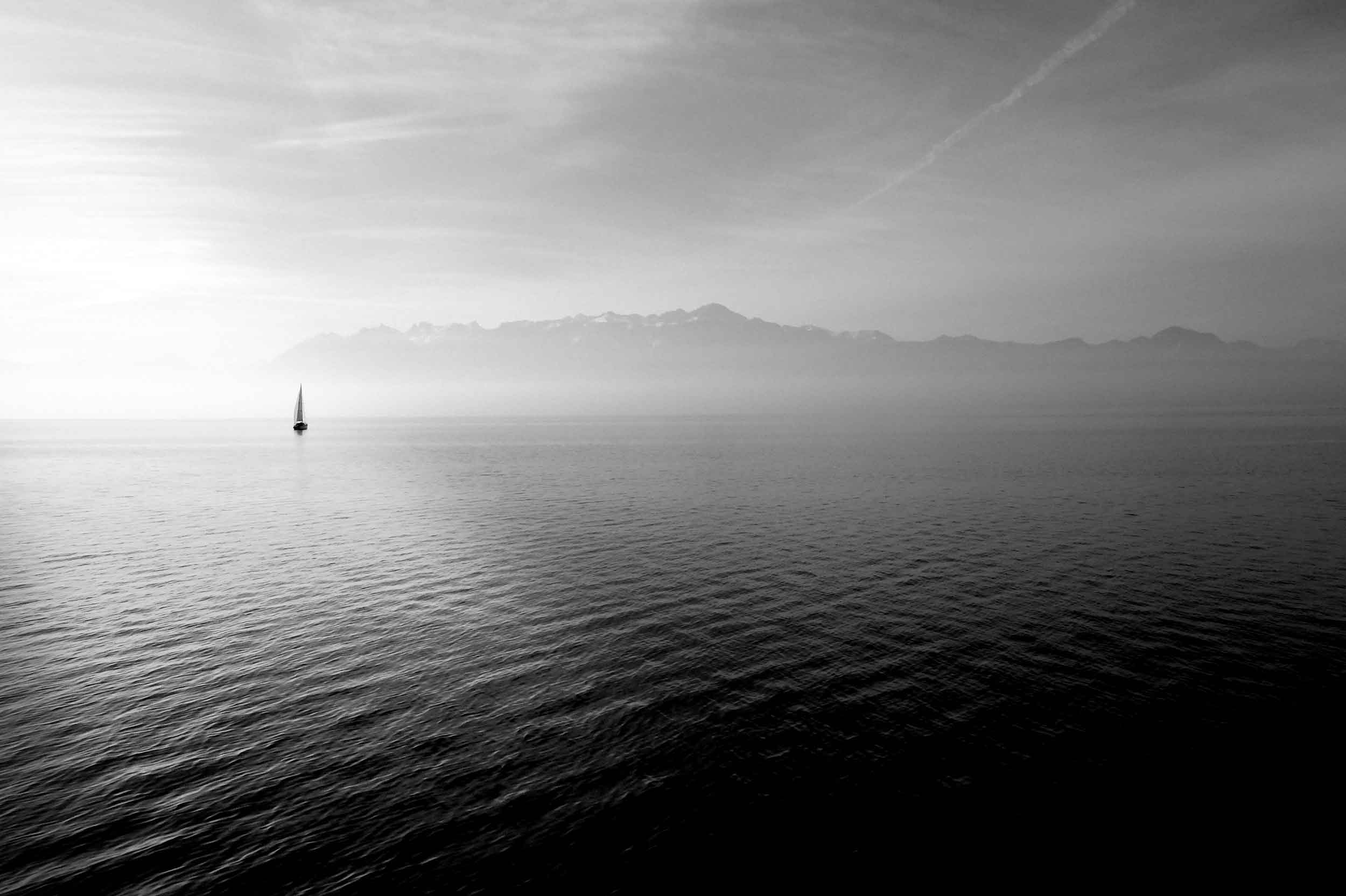
"Hero image" is a term used for a specific type of web banner.
A hero image is a large image, placed in the front of a web page. It often consists of both an image and some text, and it can be static or a rotating list of images.
The purpose of an hero image is to present the web site's most important content.
Brought to you by Captain Hook
Welcome to my Sailing Web
Sailing comprises wind propulsion of a craft by means of sails and steering it over water, ice or land, depending on the type of craft. A sailor manages the force of the wind on the sails by adjusting their angle with respect to the moving sailing craft and sometimes by adjusting the sail area. The force transmitted from the sails is resisted by forces from the hull, keel, and rudder of a sailing craft, by forces from skate runners for an iceboat, and by forces from wheels for a land sailing craft to allow steering a course on a point of sail with respect to the true wind. (Wikipedia)
Display a Flag
Display classes can also be used to build shapes by positioning elements inside a container.
Example
<div class="w3-display-container w3-card-4">
<div class="w3-red w3-display-topleft"></div>
<div class="w3-red w3-display-topright"></div>
<div class="w3-red w3-display-bottomleft"></div>
<div class="w3-red w3-display-bottomright"></div>
</div>
Try it Yourself »